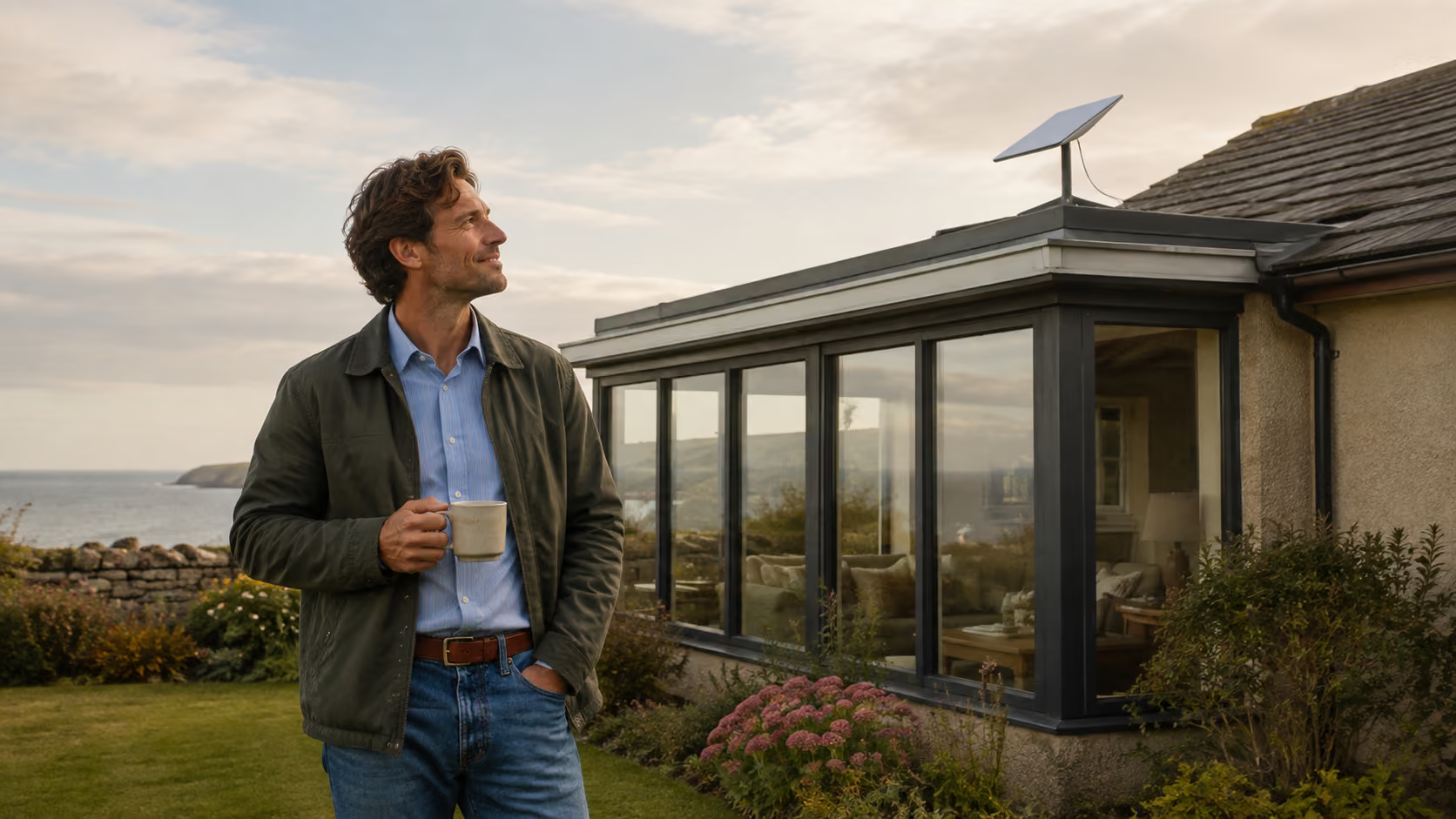
Living near the Northumberland coast comes with a few compromises.
The wind occasionally tries to remove things from the garden. Salt gets into places salt really shouldn't get into. And depending on exactly where you live, getting a decent internet connection can still feel rather more complicated than it probably should in 2026.
We'd managed perfectly well with our EE home internet for quite a while.
It wasn't particularly fast. Full fibre hasn't reached us yet and, especially at busy times, the connection could slow noticeably. But it worked.
More importantly, because our mobile signal at home is fairly hopeless, our iPhones use Wi-Fi Calling. As long as the broadband works, you'd never really know there was a mobile signal problem.
Then the broadband stopped working.
And suddenly we knew.
Five days without Wi-Fi
Our outage unfortunately coincided with a router update problem EE was experiencing nationally.
The trouble was, ours wasn't the same problem.
Convincing anybody of that was considerably harder than you might imagine.
Without internet we also lost Wi-Fi Calling, which meant trying to contact EE from the house became almost impossible. Several times I ended up driving away from the coast simply to get enough mobile signal to make a call or use the EE app.
What followed was the familiar routine.
Restart the router. Reset the router. Check the lights. Explain everything again. Restart it once more for luck.
By about day four I was beginning to develop an unhealthy personal relationship with the little blinking box in the corner.
Eventually, after almost five days, an engineer was arranged and the problem was resolved.
But by then I'd made a decision.
I was going to try Starlink.
Those little dishes had got me thinking
Over the previous year I'd noticed more and more Starlink receivers appearing on caravans and properties around the coast.
That suddenly made a lot more sense.
When your choices are limited by geography rather than which broadband advert you prefer, receiving your internet from a collection of satellites passing overhead starts to sound considerably less eccentric.
We looked through the options online but couldn't quite decide which system suited us, so I eventually spoke to a very helpful girl at Starlink.
After talking it through, we chose the Starlink Mini.
The speeds available were potentially several times faster than we'd been getting previously and, on the package we chose, the monthly cost was actually lower.
That seemed an easy decision.
We did, however, pay extra for professional installation.
That part becomes important later.
Where's the router?
Our timing wasn't brilliant.
There seemed to be some sort of supply delay when we ordered and the kit took almost five weeks to arrive.
When it finally turned up, the box was surprisingly small.
I opened it. Dish. Cable. Power supply. Stand.
I looked through everything again.
Where's the router?
It turns out I'd missed one fairly significant detail about the Starlink Mini.
The router is built into the receiver itself.
I temporarily put the Mini outside in the garden, plugged it in and went through the simple setup process.
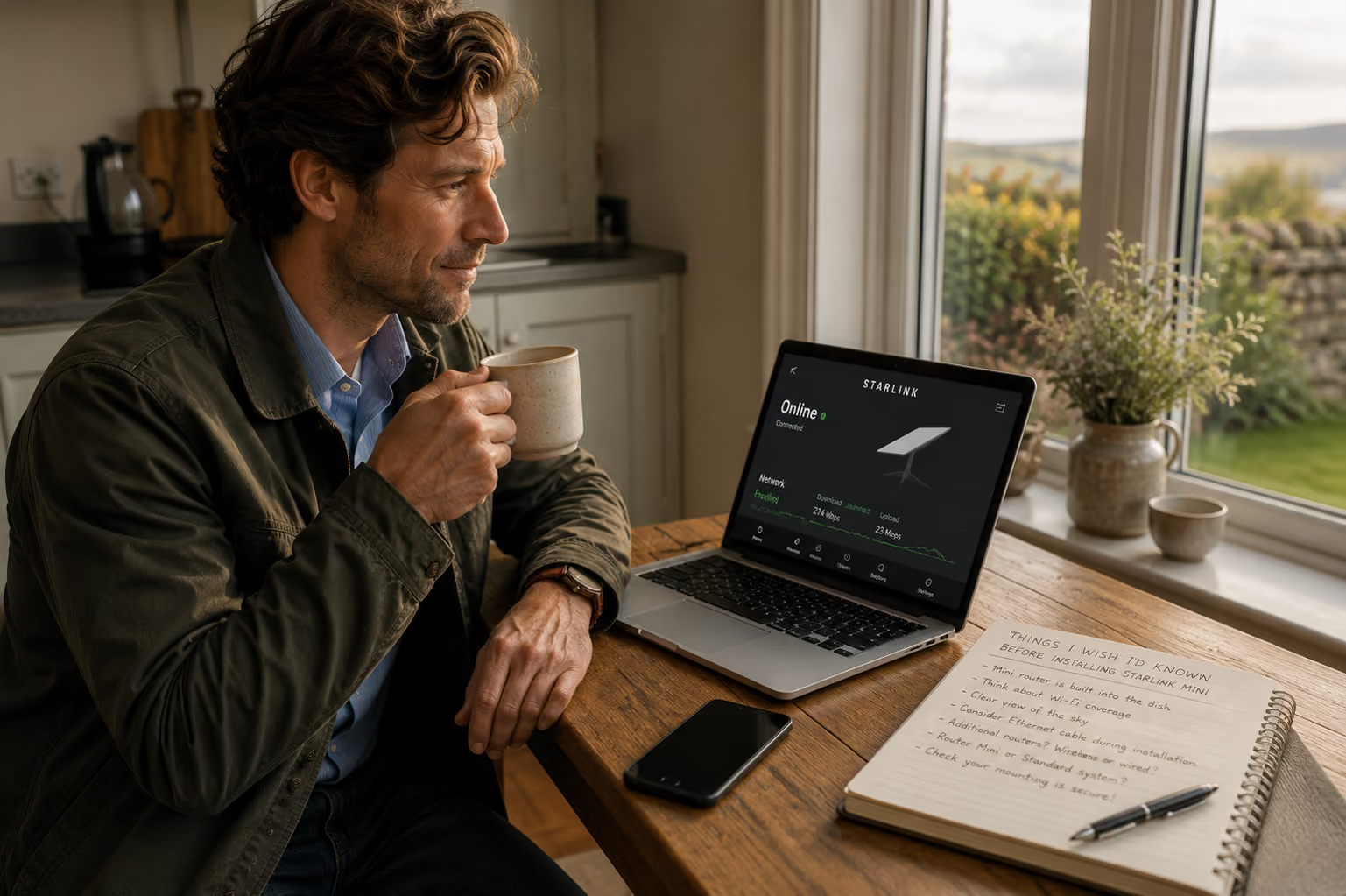
Within minutes we were online.
And it was fast. Very fast compared with what we'd become accustomed to.
Brilliant.
Because we'd already paid for installation, I packed everything back up and left it for the installer who was due a few days later.
Unfortunately, I wasn't going to be home when he came.
Mistake number one.
The installation
Lucy was here instead.
I told her to let the installer put it wherever he thought best.
Our house is all on one level, so I imagined coverage would be fairly straightforward. What I hadn't really considered was that although it isn't tall, it's quite spread out.
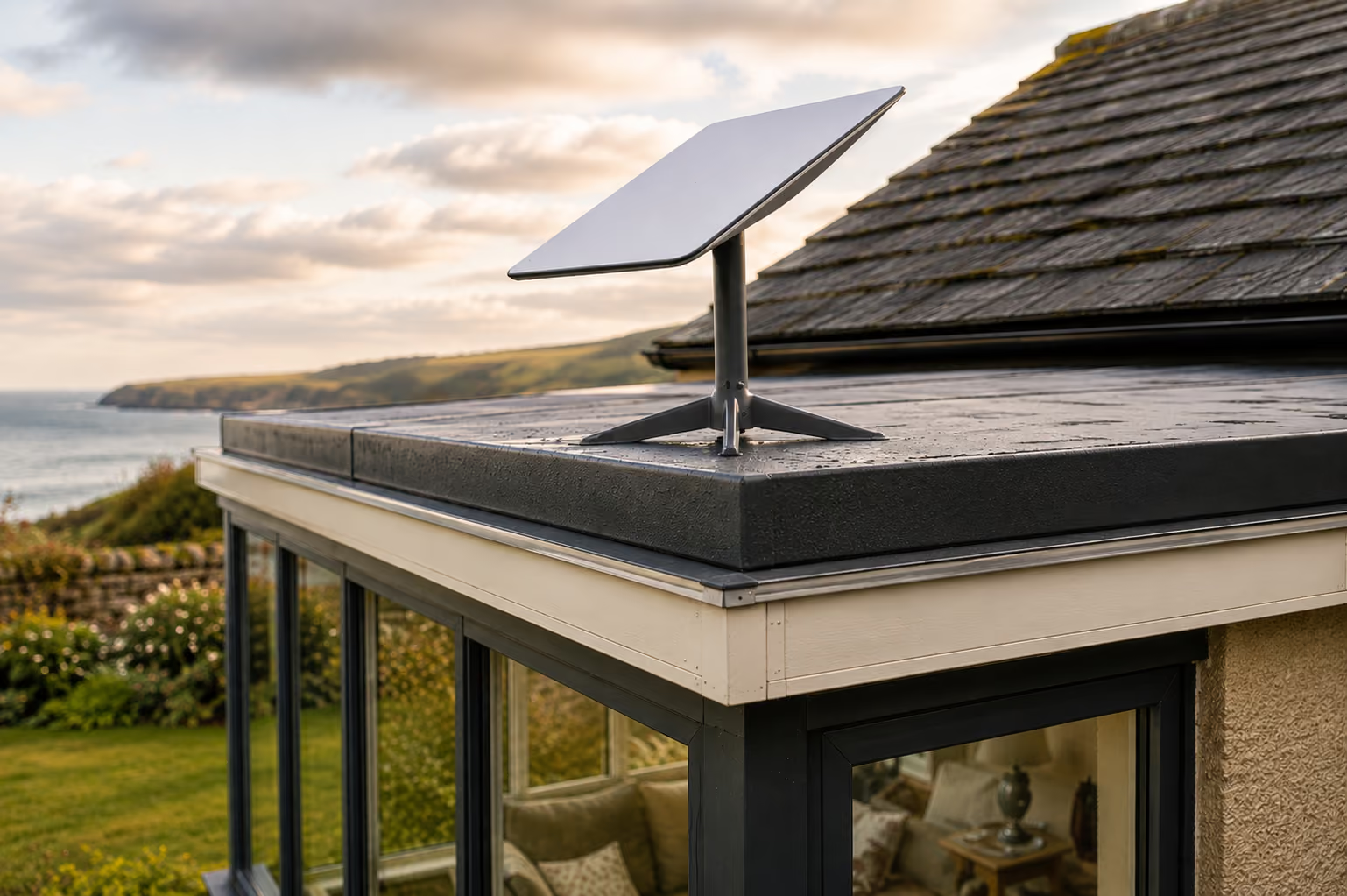
The installer mounted the Mini on the sunroom roof, ran the power cable through the wall, showed Lucy the excellent internet speed and left.
Job done.
Except it wasn't quite.
When I returned home, the Starlink connection itself was superb.
Stand fairly centrally in the house and speeds were dramatically better than we'd had before.
Walk towards either end of the house...
Not so much.
The internet arriving at the dish wasn't the problem.
The Wi-Fi reaching the whole house was.
And this is probably the most useful thing we learned from the whole experience.
Remember: the Mini is also your router
With a conventional broadband setup, we're used to the internet arriving somewhere and the router being positioned inside the house.
With Starlink Mini, the Wi-Fi router is built into the dish.
Our router was therefore effectively sitting on the sunroom roof.
The installer had mentioned that if we needed better coverage we could add Starlink routers or use something such as a TP-Link Deco system.
Fine. Argos sell Deco equipment. I could have one almost immediately.
Then I realised there was another consideration.
If we wanted to hardwire additional networking equipment, we needed an Ethernet connection from the Starlink Mini.
Which meant another cable coming from the dish and back through the wall.
Ah.
That would have been rather useful to know while somebody was already drilling holes through the house.
Down the rabbit hole we went
Instead, we ordered a Starlink Router Mini to extend the network.
It arrived remarkably quickly.
At the time Starlink would only allow us to order one Router Mini at once, so whether supplies were still limited or there was another reason, I'm not sure.
We eventually bought two.
Initially I set them up wirelessly.
And they helped.
The coverage improved considerably, but it still wasn't quite right. There were areas where the signal dropped away and, having just installed an entirely new internet system, I didn't really want to settle for nearly.
By this point I'd also started wondering whether we'd chosen the wrong Starlink kit.
Perhaps the full Standard system, with its separate Router 3, would have suited our house better from the beginning.
Initially it had looked more expensive and offered performance we didn't particularly need.
But once you start adding extra routers, cables and installation work to the Mini, the price comparison becomes a little less obvious.
That's something worth considering before ordering.
Installer number two
We contacted the installation company again.
It wasn't really a complaint. We simply explained what we'd discovered and suggested that when installing a Starlink Mini, it might be worth discussing future Ethernet requirements before finishing the job.
To their credit, they couldn't have been more helpful.
They offered to send somebody back the following day to add the cable.
And this time the chap who arrived was fantastic.
Rather than simply getting the cable through the wall and leaving, he spent time looking at the whole setup.
Our two Router Minis were connected by cable rather than relying entirely on wireless mesh, which immediately gave us a much stronger and more consistent network throughout the house.
He also wasn't completely happy with how the dish itself had been mounted.
The original installation had fixed it to our polycarbonate sunroom roof using adhesive. He added a heavy slab to give the installation much more weight and stability.
Living beside the North Sea, where a perfectly pleasant afternoon can occasionally turn into weather capable of relocating garden furniture to Denmark, this seemed like a sensible improvement.
So... was Starlink worth it?
For us, yes. Absolutely.
The important distinction is that our frustrations weren't really with Starlink internet.
The connection from Starlink itself was excellent almost immediately.
Our difficulty was getting that connection distributed properly around a wide, single-storey house.
Now that everything is installed correctly, speeds are far higher than our previous BT/EE connection and our monthly cost is lower.
More importantly, everything simply works.
Phones. Televisions. Computers. Wi-Fi Calling.
All the boring things you don't think about until none of them work.
And out here, where full fibre still hasn't reached every property and mobile coverage can disappear surprisingly quickly once you leave the towns and villages, that reliability matters.
What we'd do differently
If I were ordering Starlink again, I wouldn't automatically choose the Mini simply because our required internet speed isn't particularly high.
I'd think about Wi-Fi coverage first.
The Mini itself is clever, compact and extremely easy to set up. For a caravan, campervan, smaller property or somewhere where the receiver can also sit relatively close to the devices using it, I can completely understand its appeal.
But remember that the Mini doesn't just receive your internet.
It is also broadcasting your Wi-Fi.
Where you put it therefore matters twice.
For a larger or more spread-out house, I'd compare the complete cost of a Mini plus any additional routers and cabling with the Standard Starlink system before making the decision.
Not just the price shown on the first page.
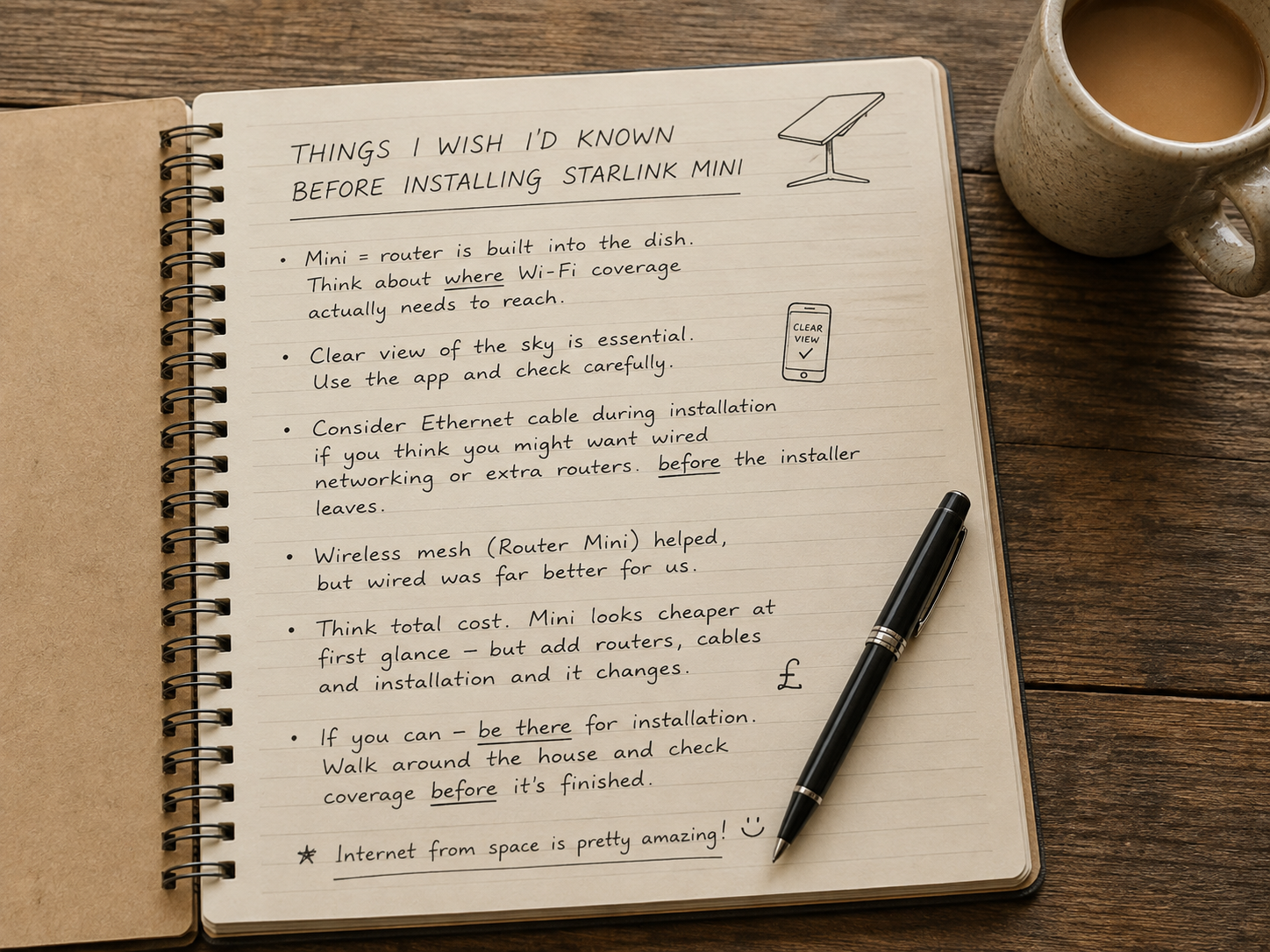
A few things we learned
If you're considering Starlink somewhere along the Northumberland coast, these are the things I'd think about before ordering:
- Mini or Standard? Don't base the decision on download speed alone. Think about the size and shape of the property and where your Wi-Fi needs to reach.
- Look at the sky. Starlink needs a suitable clear view, so use the app and think carefully about where the receiver can actually be mounted.
- Remember where the router is. With Starlink Mini the Wi-Fi is built into the dish itself.
- Plan your network before installation. If you might want wired mesh routers or third-party networking equipment later, discuss Ethernet cabling while the installer is already there.
- Wireless mesh can help, but wired was better for us. Once our additional routers were connected by cable, coverage around the house improved considerably.
- Work out the total price. A Mini can initially look like the cheaper option, but additional routers, cables and installation can change the calculation.
- Be there for the installation if you can. Lucy did absolutely nothing wrong. She told the installer exactly what I'd told her to tell him. But knowing what I know now, I'd have walked around the house checking Wi-Fi coverage before anybody packed away the drill.
That last one may have saved us quite a bit of messing around.
Still, we got there eventually.
And after spending five days driving inland just to make telephone calls, there is something rather satisfying about standing beside the North Sea, looking at a little white dish on the roof and knowing our internet is currently arriving from space.
Northumberland living.
Some things around here are wonderfully old-fashioned.
Thankfully, the broadband no longer has to be one of them.
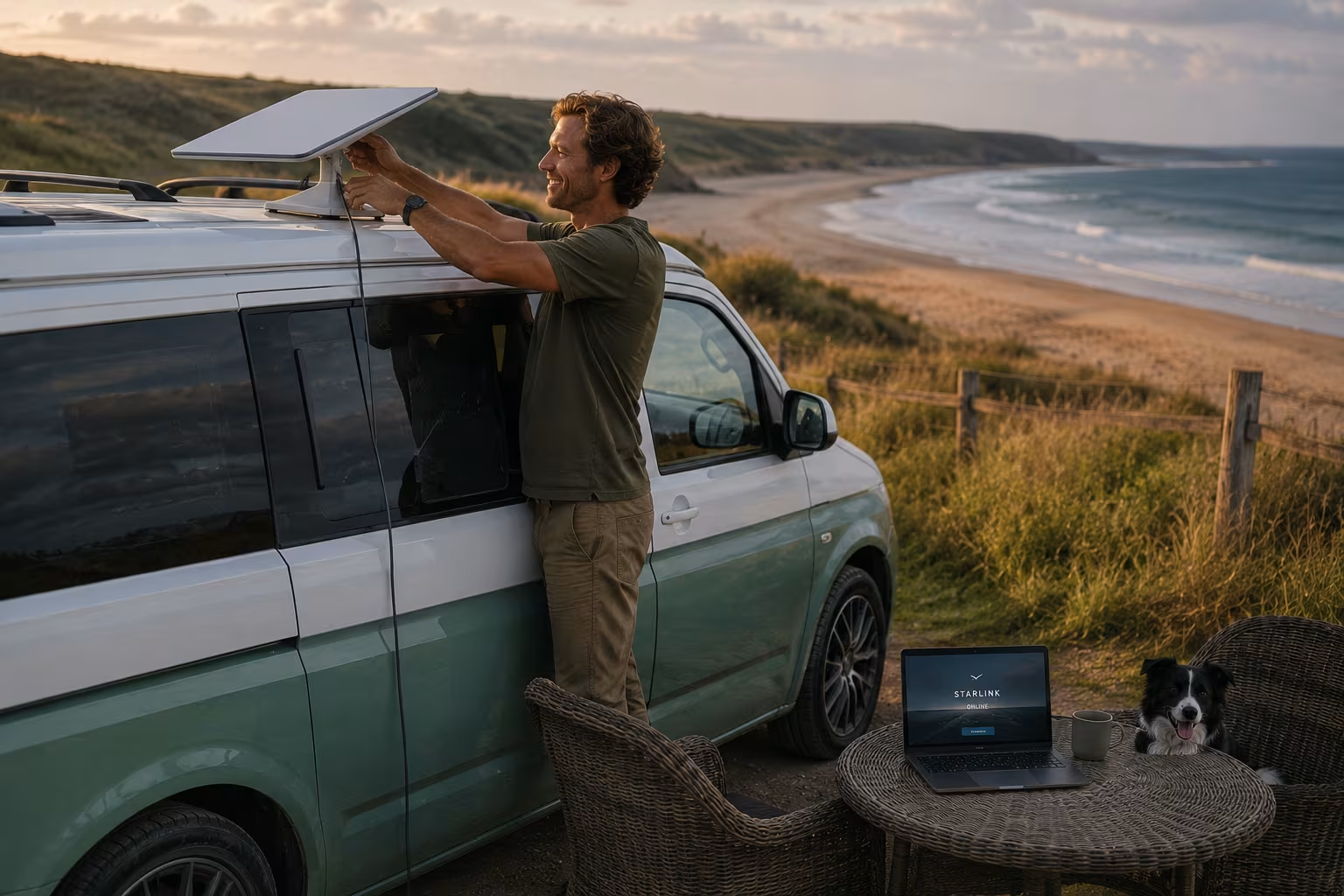
One more Mini...
There is, however, another reason I'm glad we chose the Mini.
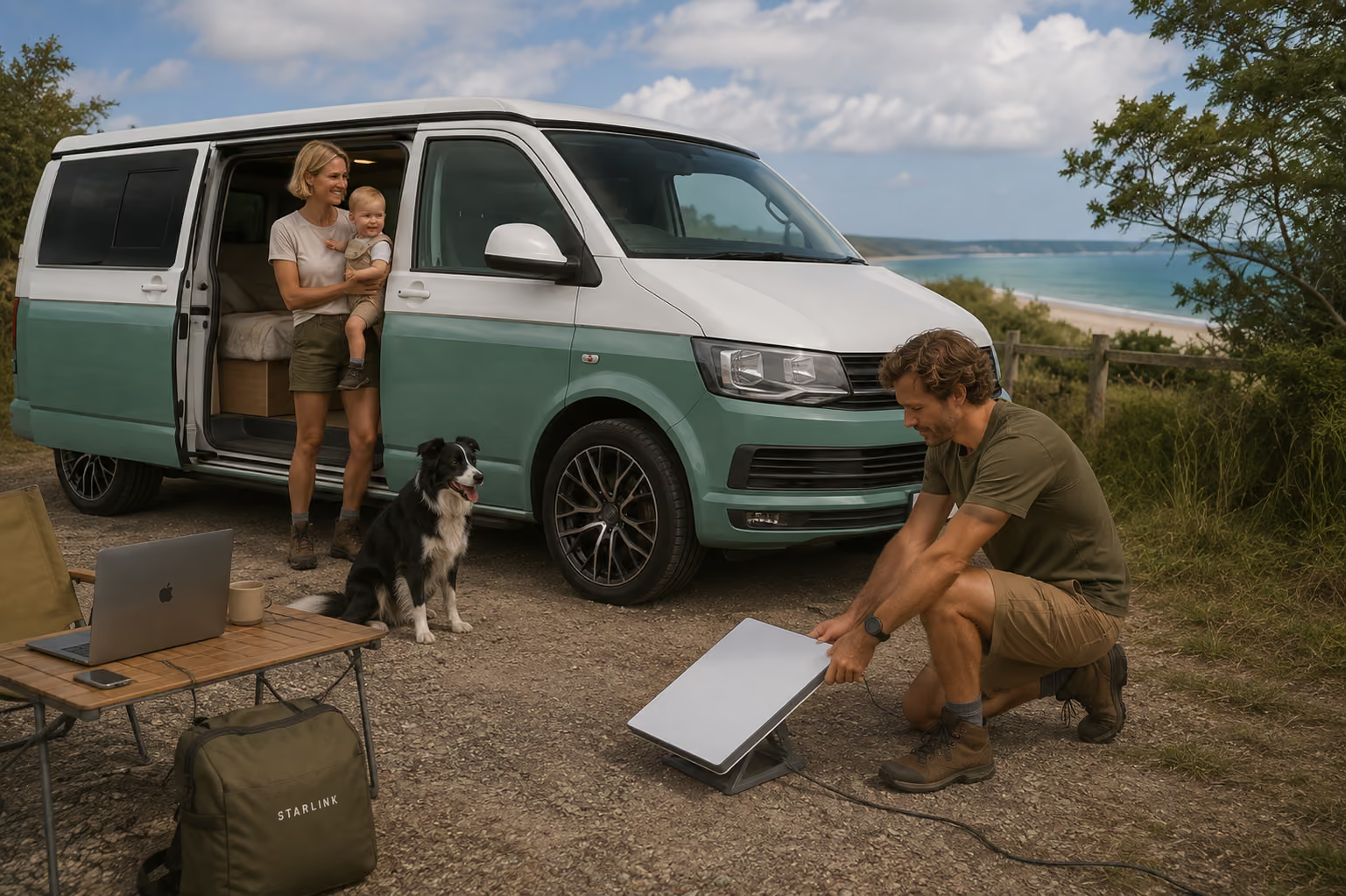
Later in the year we're hoping to take the campervan north and follow Scotland's North Coast 500.
And after living with Starlink at home, we're already thinking about buying another Mini specifically for the van.
That's probably where this little version of Starlink makes the most sense to me.
We can spend the day somewhere remote, park up for the evening and—provided we've got a suitable view of the sky—still have internet without worrying too much about whether our phones happen to have a signal.
I'm rather looking forward to testing that properly.
A campervan, the Scottish Highlands, a little white dish and hopefully considerably fewer conversations with broadband support.
We'll report back from the road.
If you fancy trying it yourself, here's our Starlink referral link — it can knock a little something off your first order, and it helps keep us going too.